
API Settings - Rostering
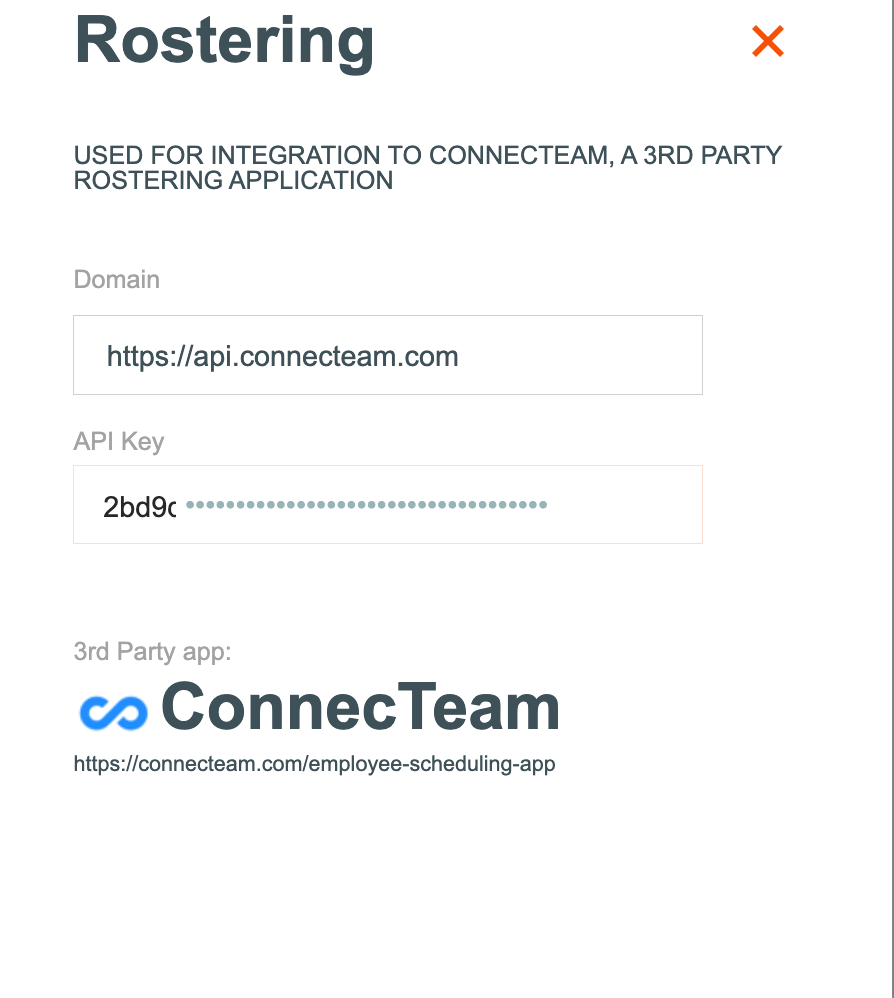
The Rostering API is designed to connect the 3rd party app, called Connecteam to Odyssey, to provide full integration between the two tools, for rostering of staff and vehicles.
NOTE: This setting will be managed by one of the development team at Odyssey.

To change the setting:
- From Odyssey's Main Menu | Admin | API Settings
- Select Rostering
- Enter the url of https://api.connecteam.com
- Enter the API key
-
Find the API keys from Connecteam | Settings | API Integrations, select the Go to Integrations button and copy the API Keys and paste into Odyssey's API Rostering settings here.
- This activates/allows the integration of the Connecteam tool to Odyssey
Where is the Rostering function used?
The rostering function is used in the following areas of Odyssey:
- Depot | Diary | Bag movements by location
- Briefings