
How to assign vehicles to shifts in Connecteam
Connecteam is an Advanced module

In Connecteam
Assigning a vehicle to a run or a shift
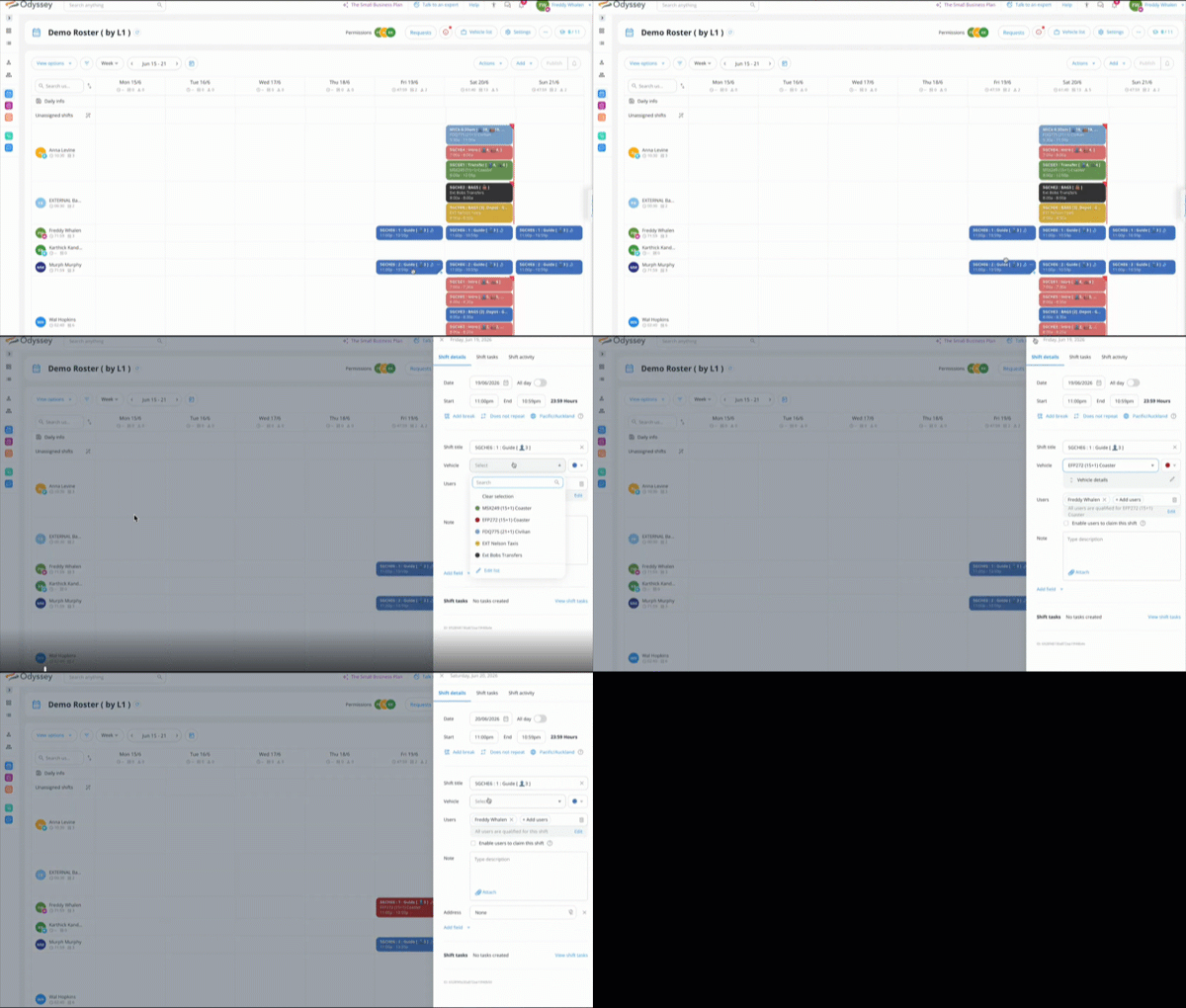
- In ConnecTeam, from the View Options menu, ensure you have selected View by Staff
- Select a run or a shift to which you wish to assign a vehicle, then click on the three dots in the top right corner
- select the vehicle from the drop down list
- close the pop up window, and save
- repeat this step for every day of the tour
- Publish the shift
- then switch to View by vehicles from the View menu, to look at shifts that don't have vehicles assigned

- in our example below, many of the shifts without a vehicle are Briefings, which is fine, but the bag movement shifts, Transfers and Guide shifts do need a vehicle assigned
