How a team member uses Connecteam
Connectteam is an Advanced Module for Rostering
To log in to Connecteam - on your desktop device
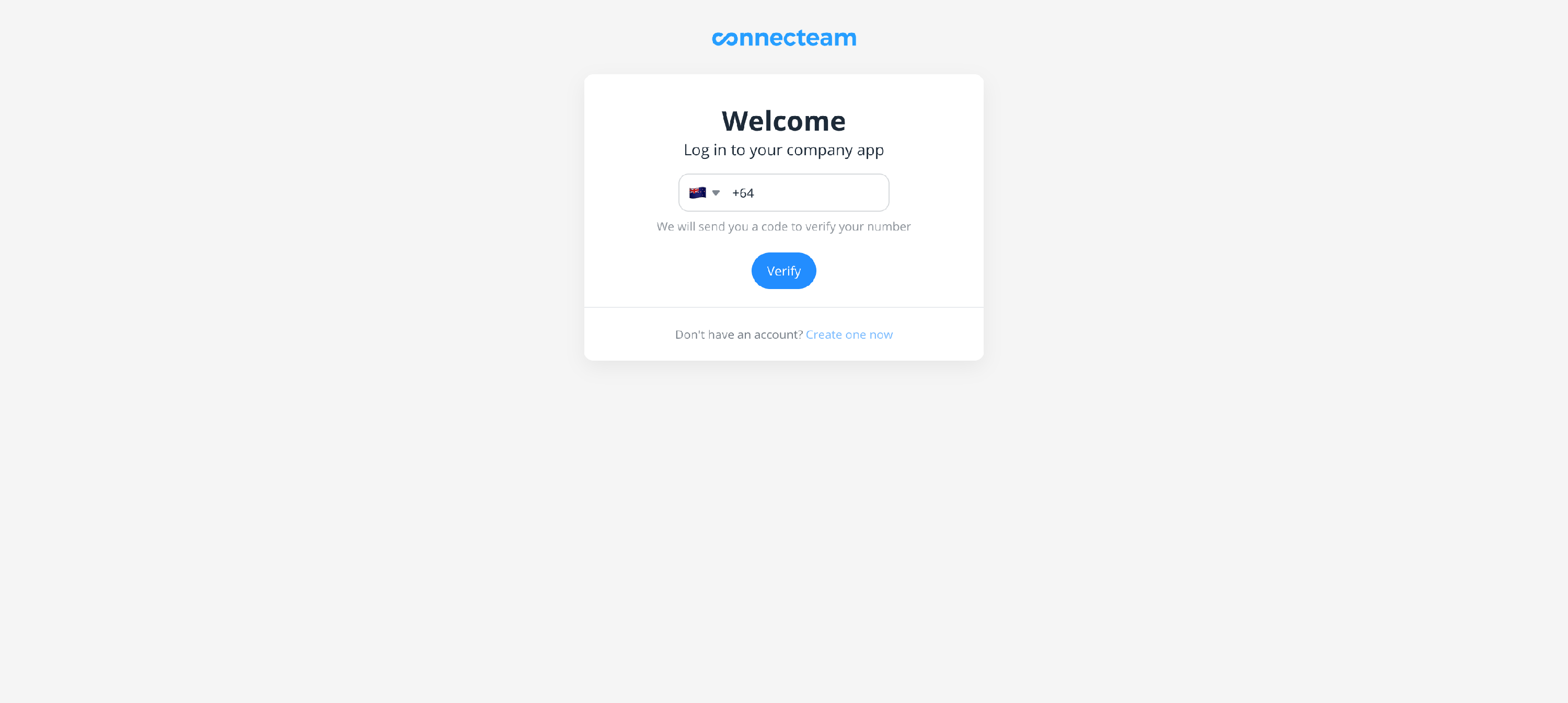
- Users log in to Connecteam on their desktop device, via a link that the administrator sends them
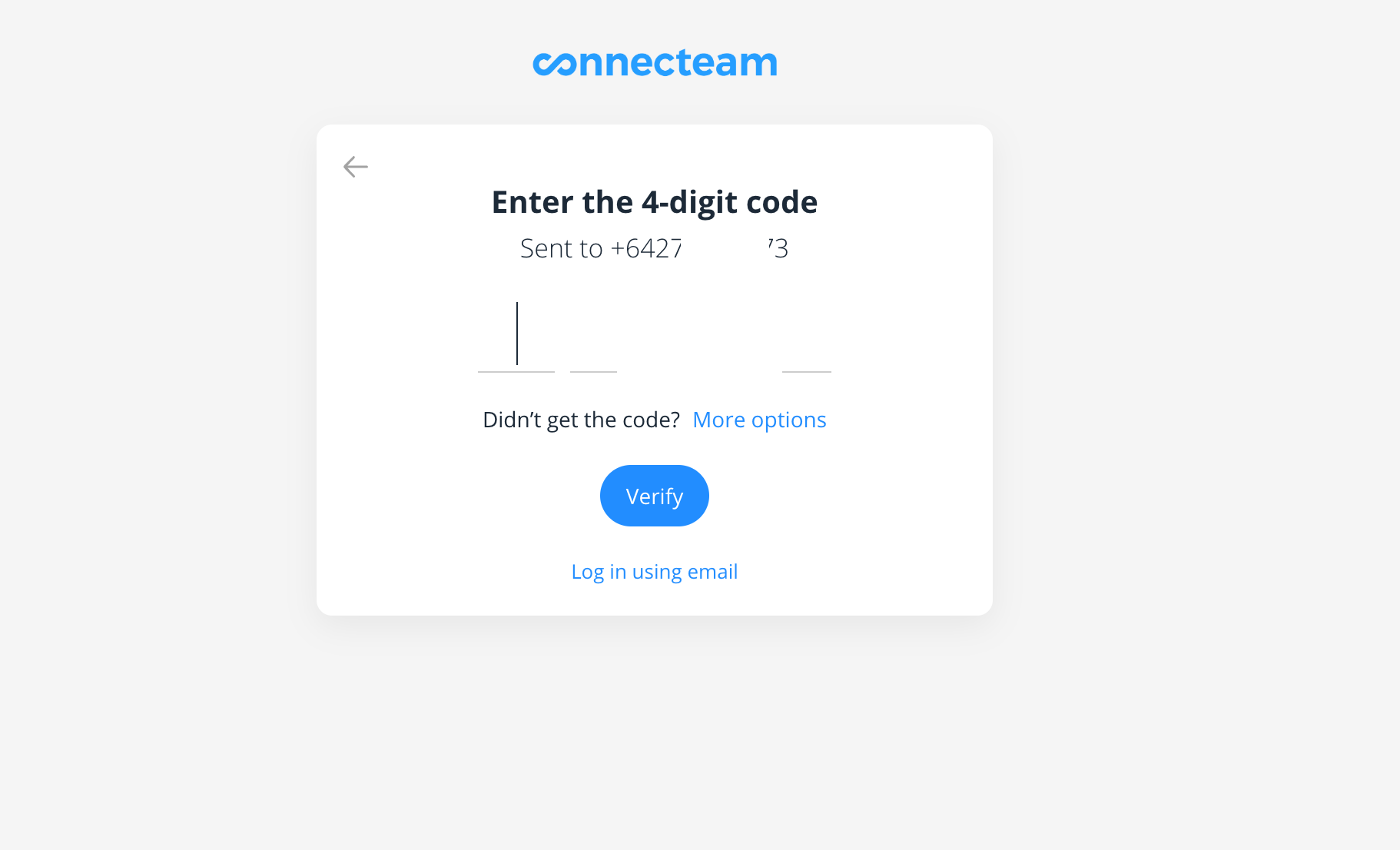
- they will enter their mobile number, and Connecteam will then send them a verification code to that mobile number
- enter the verification code, and set up is complete
- they are then taken directly into Connecteam
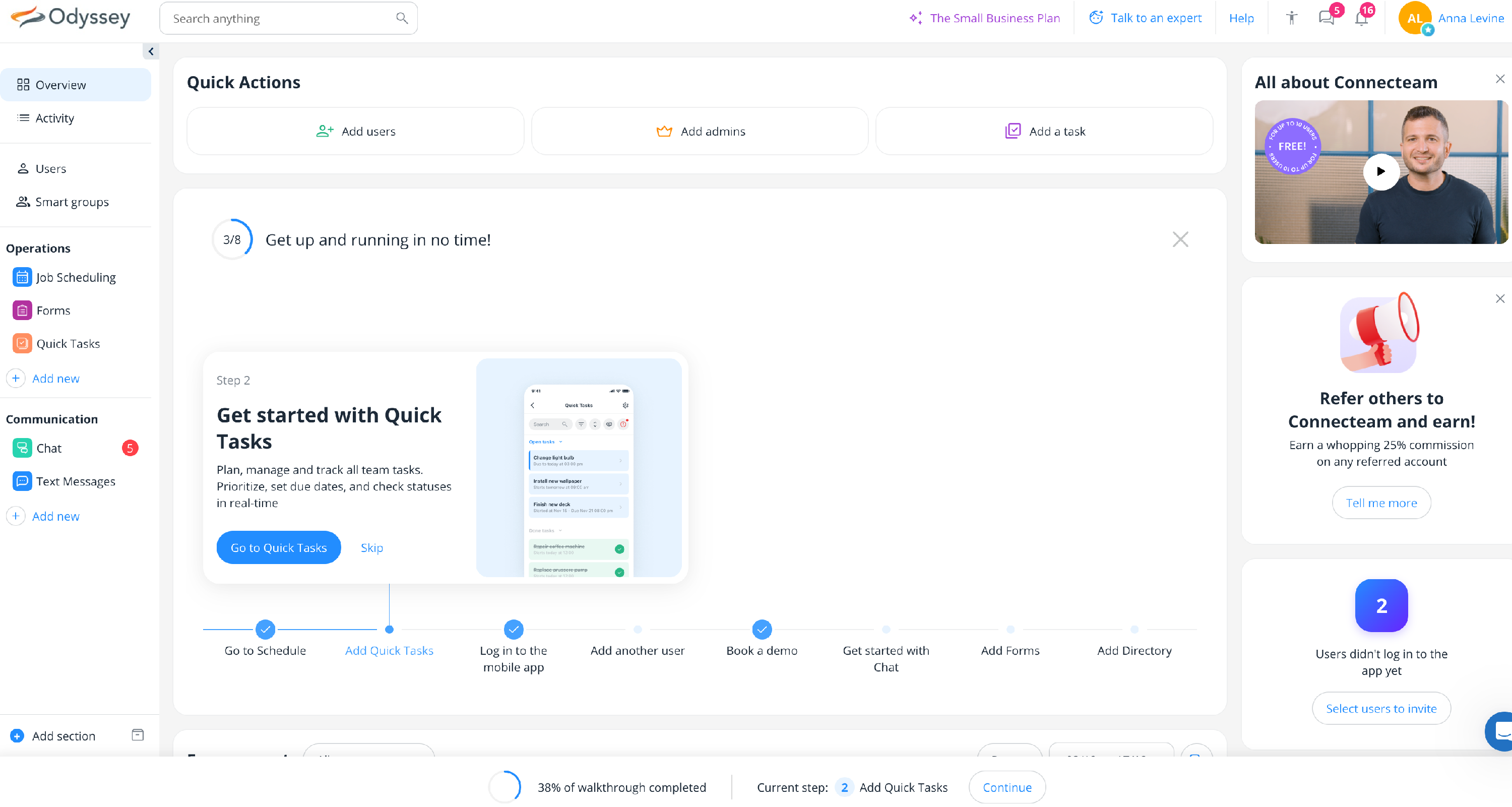
- To begin, open your Admin Dashboard on desktop — it’s your control centre for everything you need to manage your team more efficiently.

To log in to Connecteam - on your mobile device
- Users log in to Connecteam on their mobile device, via a link that the administrator sends them

- Download and install the app, from the link
- Users will then enter their mobile number, and Connecteam will then send them a verification code to that mobile number

- enter the verification code, and set up is complete


- Click on Assets, and go to Job scheduling to see your Roster

- the Roster shows a shift which has assigned to the logged in user

Learn how to use Connecteam here
|
|