
Depot Departure Easy Print options
Printing options
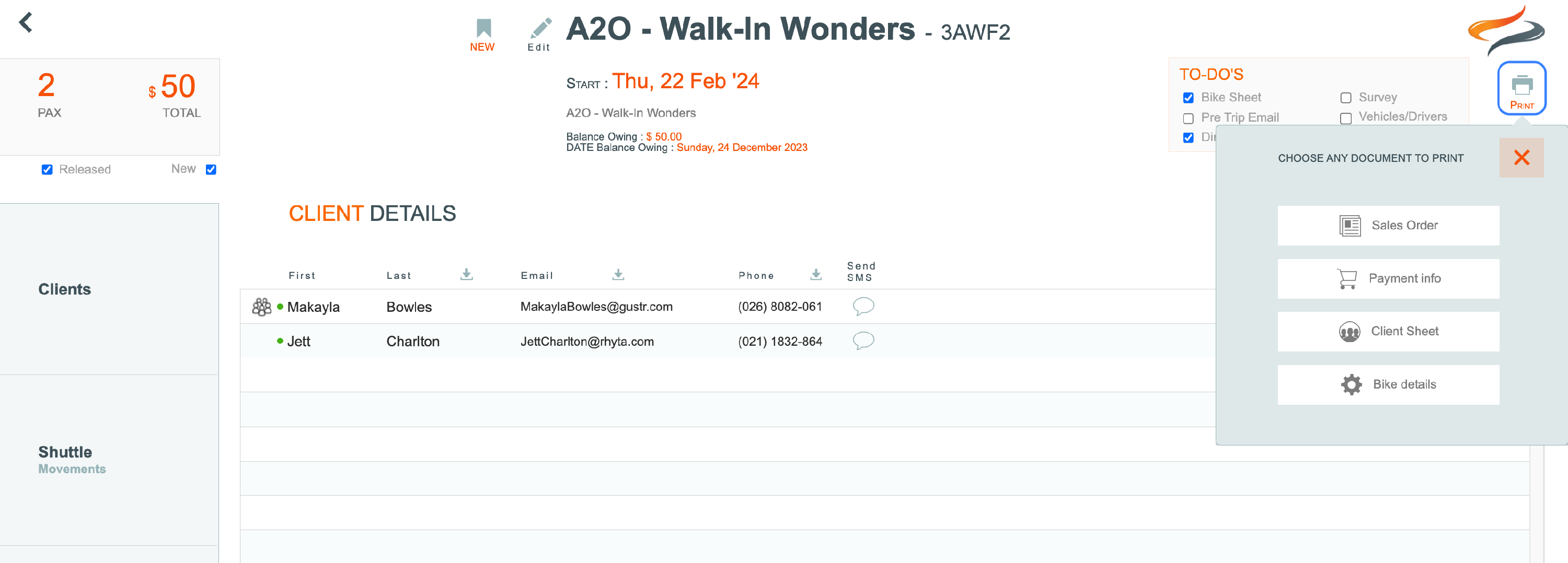
There are four easy printing options for Depot Walk in Customers:
- Sales order
- Payment Info
- Client sheet
- Bike details sheet.
To print one of these reports:
- From a Depot log in
- Open a Departure
- Click the Print button in the top right hand corner of the window.
Sales Order
- Click the Sales order button. An overview of your document will be presented. Click the preview button

- This moves you to a new tab which has opened up, displaying the preview of the file. To print the file, click the Print icon in the top left corner. You can now close this tab.


- Move back to the Odyssey tab, and then click the Back button to return to the Walk in screen

Client Sheet
-
Repeat the steps above to produce the client sheet.....

Payment info
- Repeat the steps above to produce the payment info sheet....

Bike Details Sheet
- Repeat the steps above to produce the Bike Details sheet....
