How to manage bag movements in Connecteam
Connecteam is an Advanced module
The Depot or Operations Manager will be responsible for coordinating all sorts of movements - bag movements, shuttle runs, vehicle relocations, and custom shuttles.
Depot Managers will be able to use Odyssey to assign their own staff, and external bag movement suppliers, via Connecteam
How to synch Odyssey Bag Movements to Connecteam
- These instructions assume that bag movements for your clients have already been configured in Odyssey. To learn more about setting up bag movements in Odyssey, please click here.
- From the Main Menu | Depot | Diary | (select your trail and date from the RHS first) | then choose Bag movements by location


This view shows all of the bag movements for this trail on this date.
- Records can be pushed to Connecteam by clicking on the orange Connecteam icon beside each bag movement record
- Assign a bag movement to an external supplier or a team member, by selecting them from the appropriate drop down list in Odyssey, before pushing to Connecteam
- Alternatively, decision making regarding driver or external supplier availability can be made in Connecteam.
- A Connecteam icon appears automatically to indicate that this assignment has been pushed to Connecteam

In Connecteam
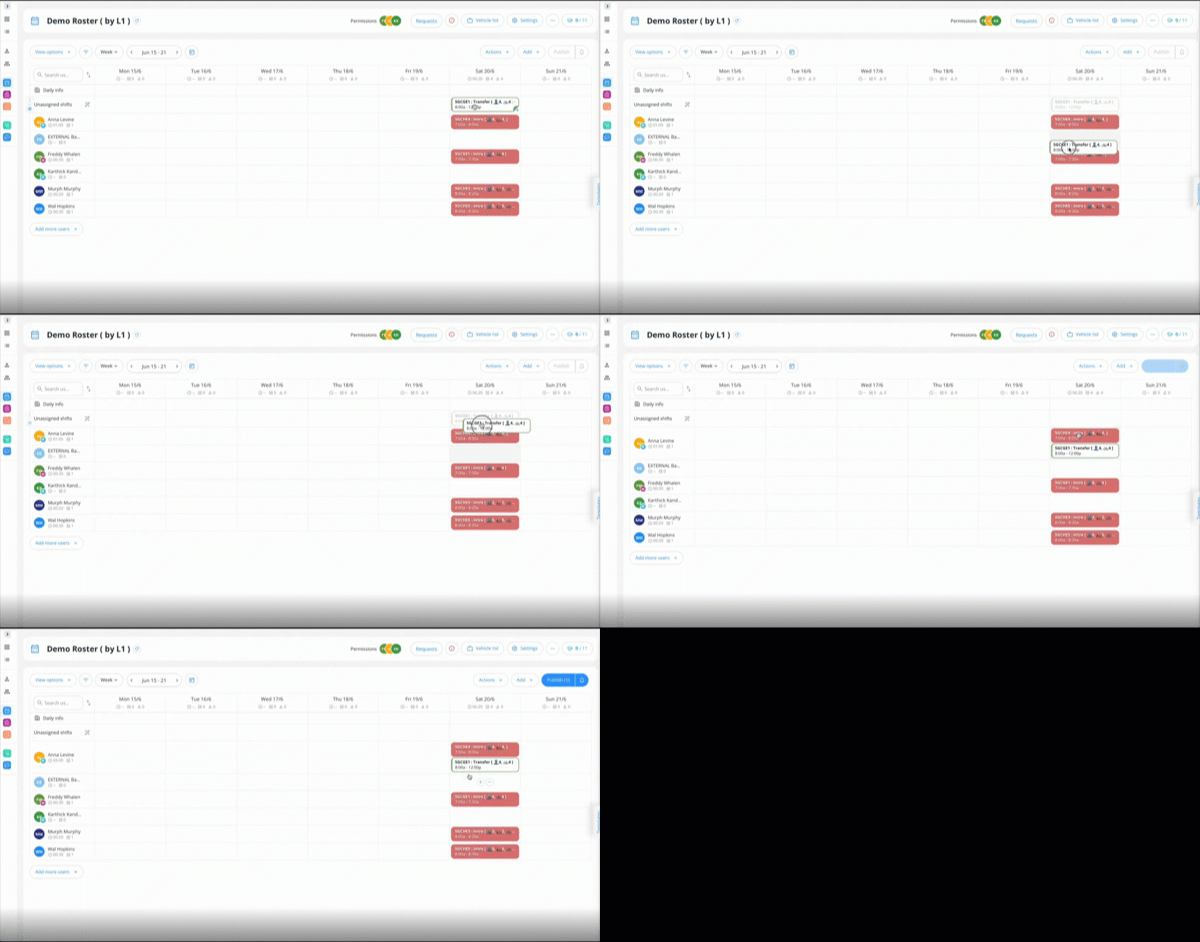
- After pushing each of the bag movement records for that day in Odyssey, we can see them all appear in Connecteam
- blue entries indicate bag movements

- These blue entries in Connecteam are the entries we have just pushed from Odyssey
- Click once on an entry in Connecteam to see the details

Assign this bag movement to a team member, by dragging it from the unassigned shift, to one of the company drivers.
External bag movement suppliers
- We recommend that you set up one "External Bag Moving Supplier" record as a team member in Connecteam, as part of your initial setup. Then any bag movement that you have assigned to ANY of your EXTERNAL bag movement suppliers can be assigned to that one "External Bag Moving Supplier" in Connecteam.
- All external bag movements can then be dragged to that one "External Bag Moving Supplier", so that you know they are all being taken care of, leaving only your own company bag movement rosters to be assigned.
- You can now identify which external Bag moving supplier OR in-house Driver is moving these bags, and in which vehicles, in a day.

TIP: If you wish to be able to identify which External Bag moving company is doing this transfer, you can add each bag moving supplier as a Vehicle in Connecteam.
That "vehicle" name (aka the external bag moving supplier) will then show up in Connecteam on the shift, to help you identify it.
Overlap indicators

- Connecteam alerts you to the fact that one team member has been allocated tasks at overlapping times, by adding a red flag indicator to the right of each shift that overlaps. It's then up to the Depot manager to determine if the overlaps are, or aren't a problem. In the case of these bag movements to be done after a briefing, it probably doesn't matter.
- It could also be a helpful tool to set up External Bag movement companies as "Vehicles" so that once bag movements are assigned to the one External Bag Moving Supplier, the Depot Manager can assign each mover as a vehicle, to help identify which external Bag moving supplier is moving these bags.

Using this method, all External bag movements are grouped together, but it's easy to identify the bag movement supplier on the shift.

- These bag movements are currently unpublished, so that the Depot Manager can review and confirm the rostering schedule. This process is known as Publishing.
- Once the Depot Manager has reviewed the Rostering schedule, they can publish each shift, or click Publish at the top RHS

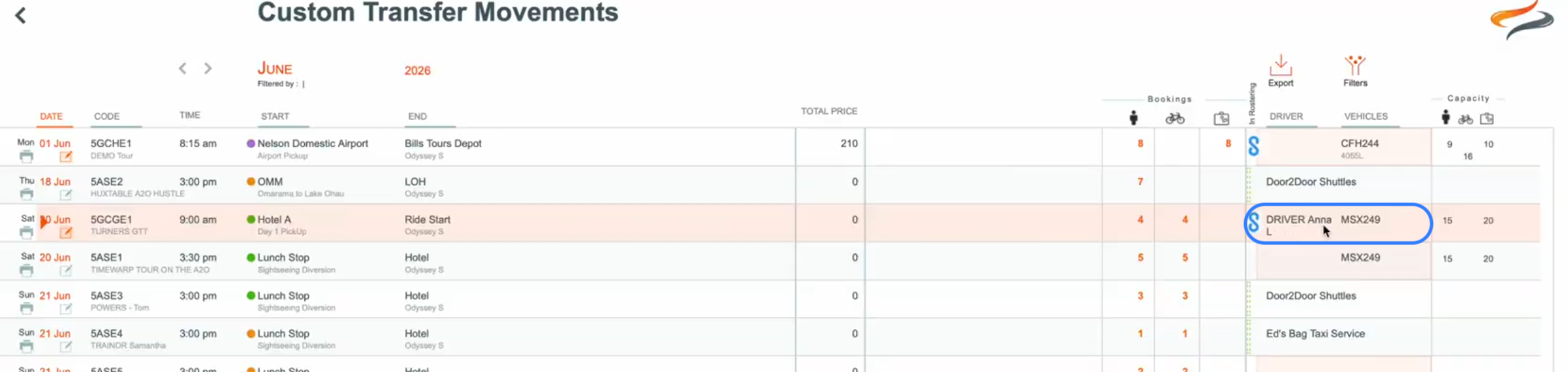
- Back in Odyssey, we can now see that Anna has been assigned this Custom Transfer